

Description
Price: $32.99 - $48.99
(as of Jan 04, 2026 22:24:26 UTC – Details)
Product description
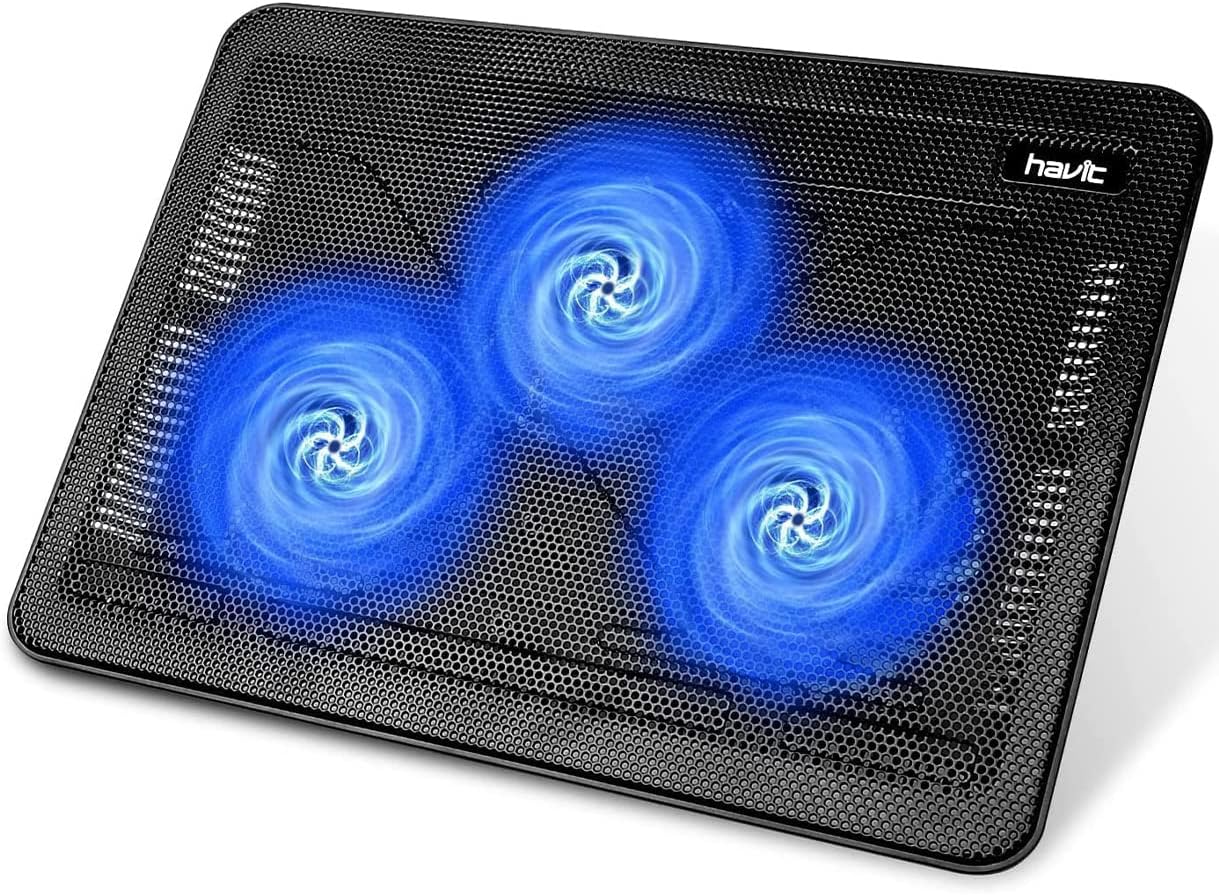
HAVIT Laptop Cooling Pad
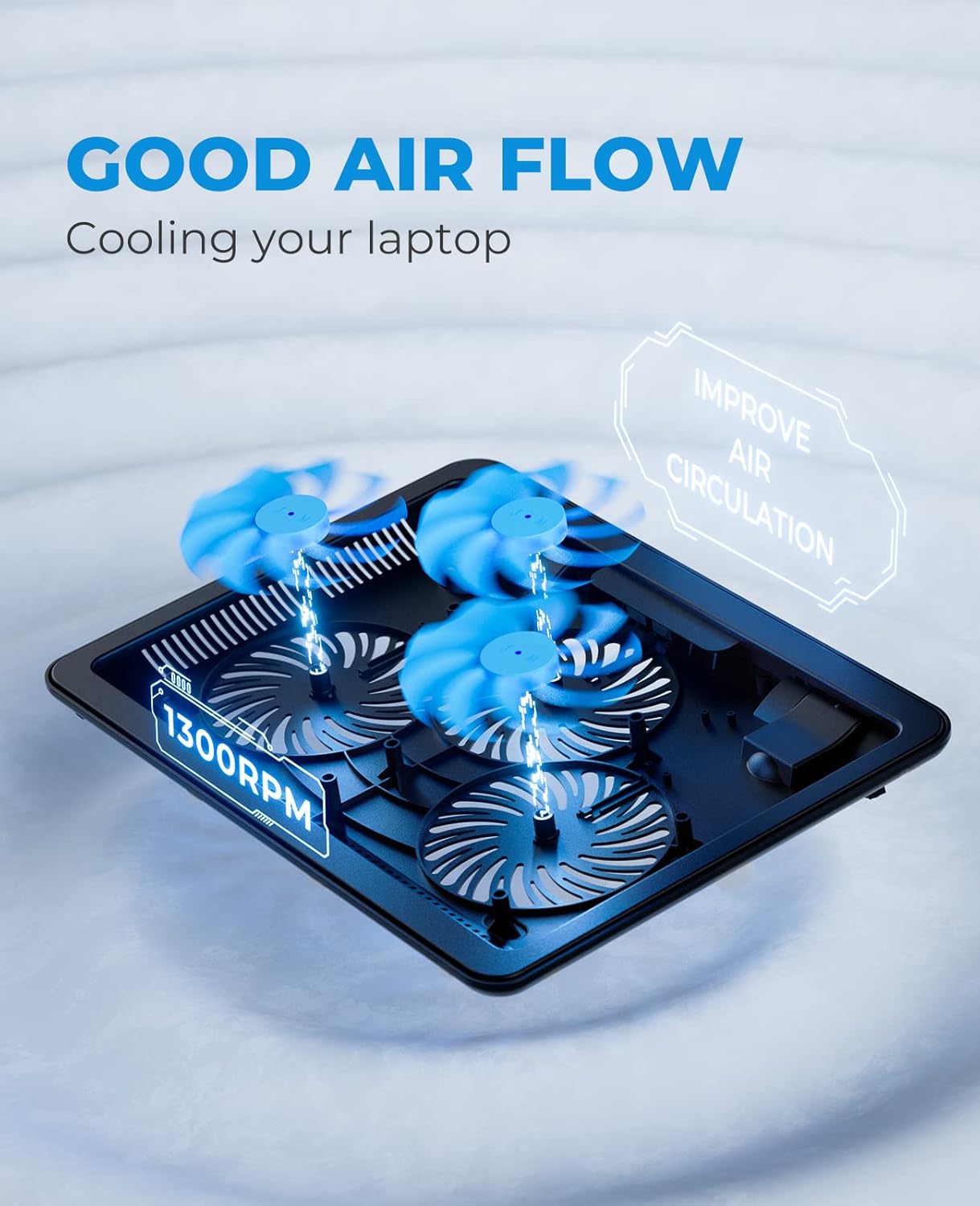
Number of Fans
3
Number of Fans
6
Number of Fans
8
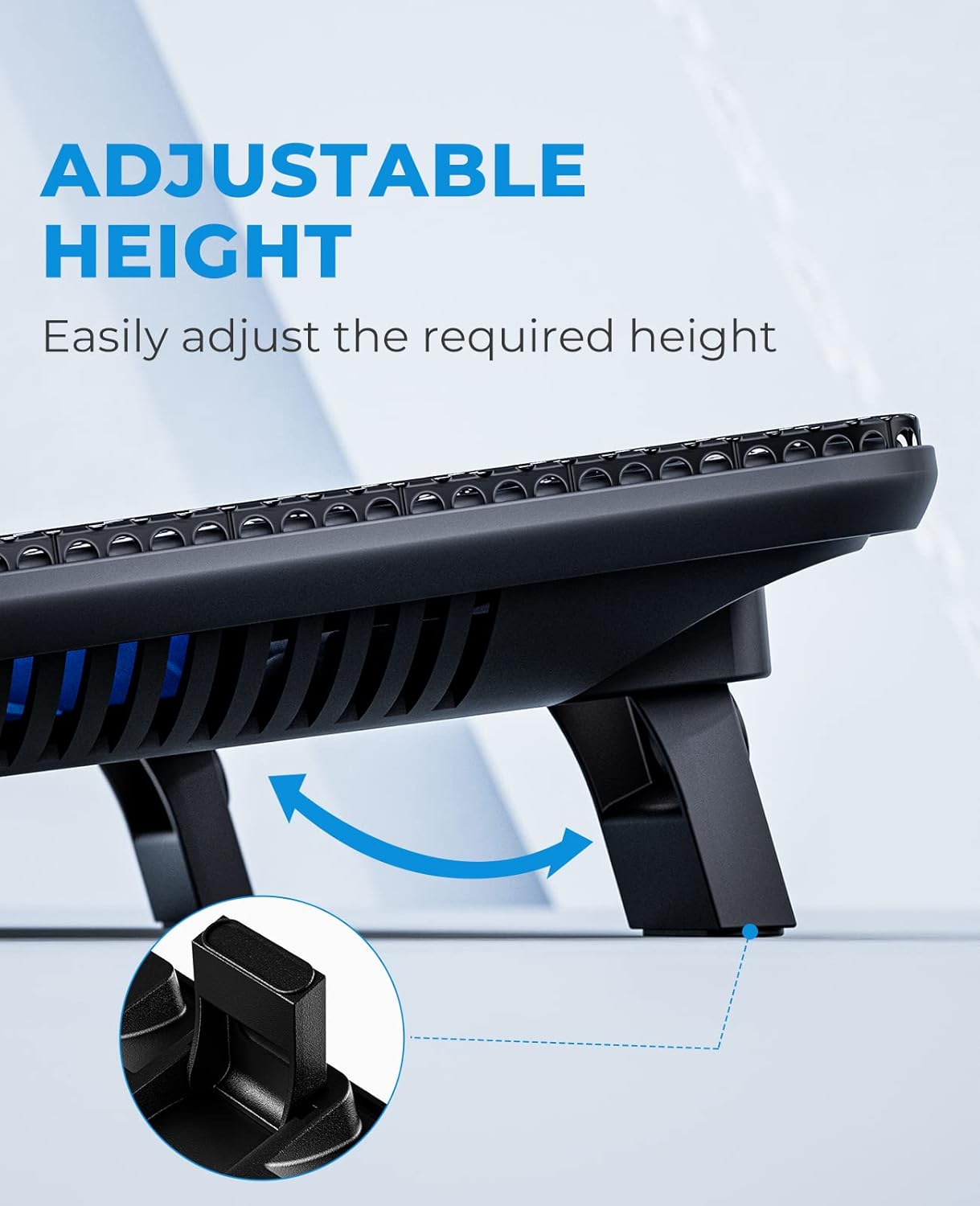
Adjustable Height Levels
2
Adjustable Height Levels
6
Adjustable Height Levels
6
Compatibility
15.6″-17″ Laptop
Compatibility
13″-17″ Laptop
Compatibility
12″-15.6″ Laptop
Charging Cable Type
USB 2.0, USB-A to USB-A
Charging Cable Type
USB 2.0, USB-A to USB-A
Charging Cable Type
USB 2.0, USB-A to USB-A
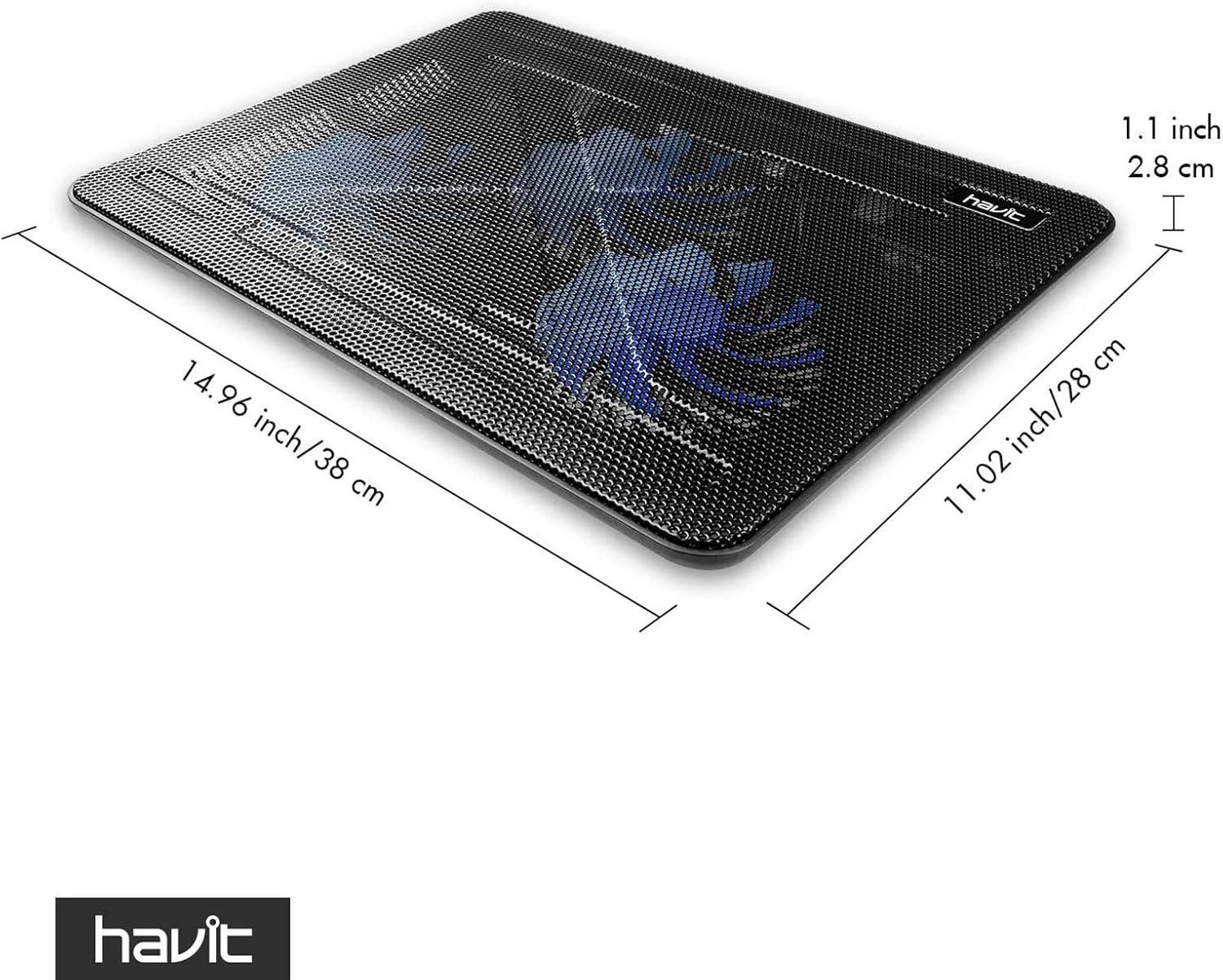
Cooling Pad Size
14.9″ x 11″ x1.2″
Cooling Pad Size
16.5″ x 11.06″ x1.2″
Cooling Pad Size
14.7″ x 11.18″ x1.2″


The video showcases the product in use.The video guides you through product setup.The video compares multiple products.The video shows the product being unpacked.
Ergonomic Comfort that You Can Feel
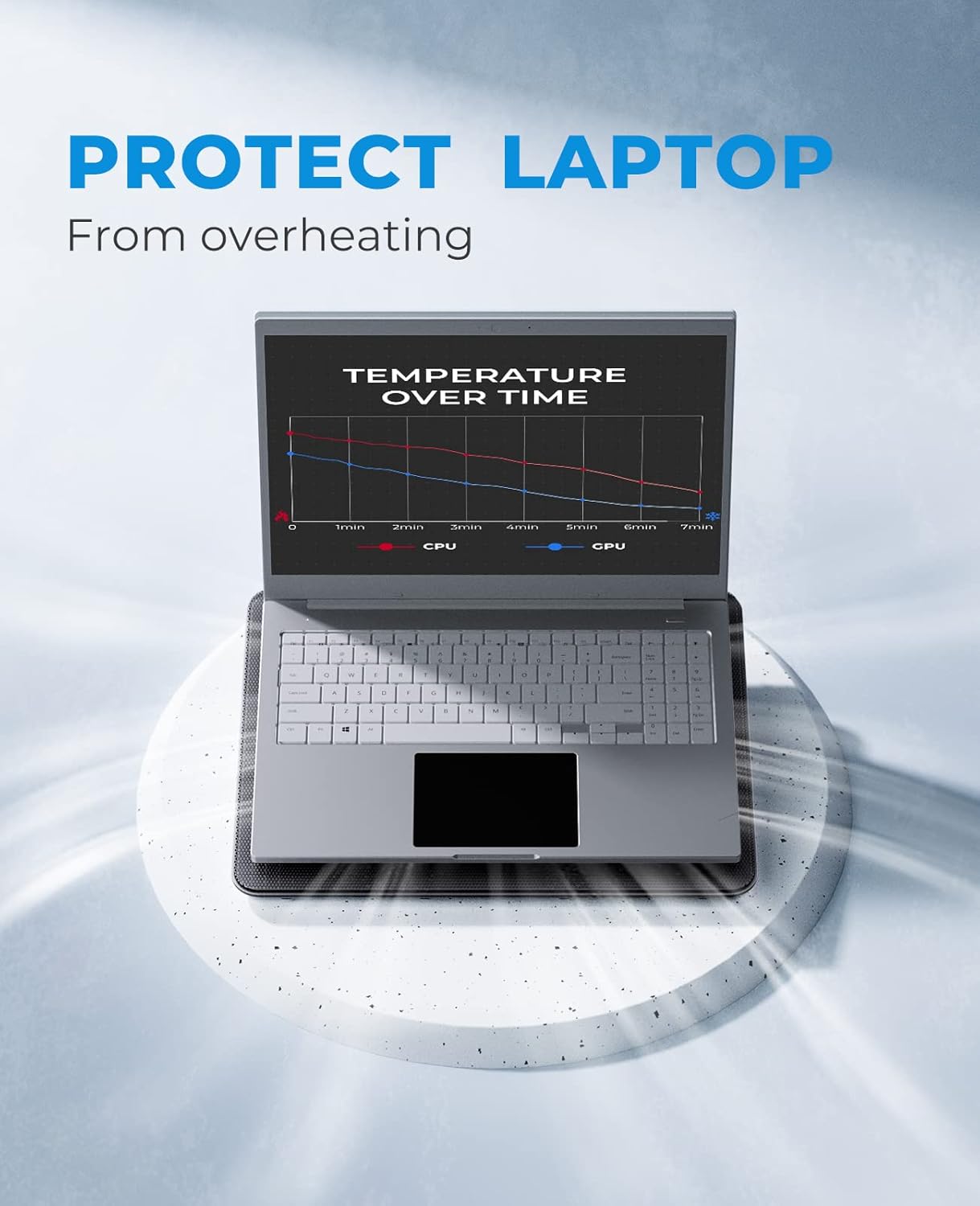
Havit laptop cooler fan gives your laptop and yourself a better gaming or typing environment and get your work done faster.
 Fairly Quiet Laptop Cooling Fan
Havit laptop cooler is quiet enough to ignore its existence while working.
 Ultra Portable
Slim, portable, and light weight allowing you to protect your investment wherever you go.
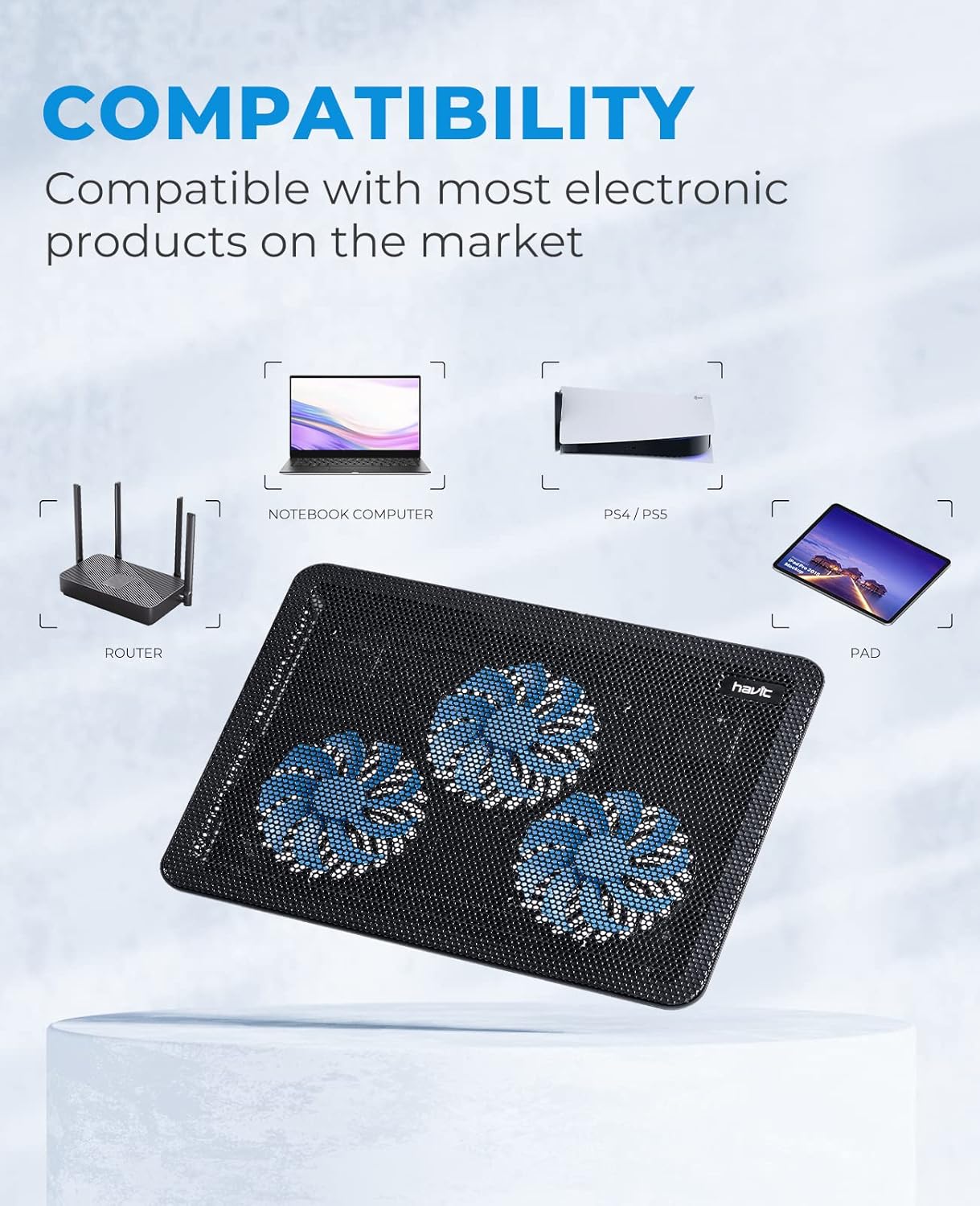
 Compatible with Your Different Devices
Suitable for using with different devices from router, laptop, PS4/ PS5, tablet and more.
 Visible Working Status
The LED indicator light locating near the on/off switch and those coming with three fans allows you to easily know the working status of the laptop cooling pad, especially at night.
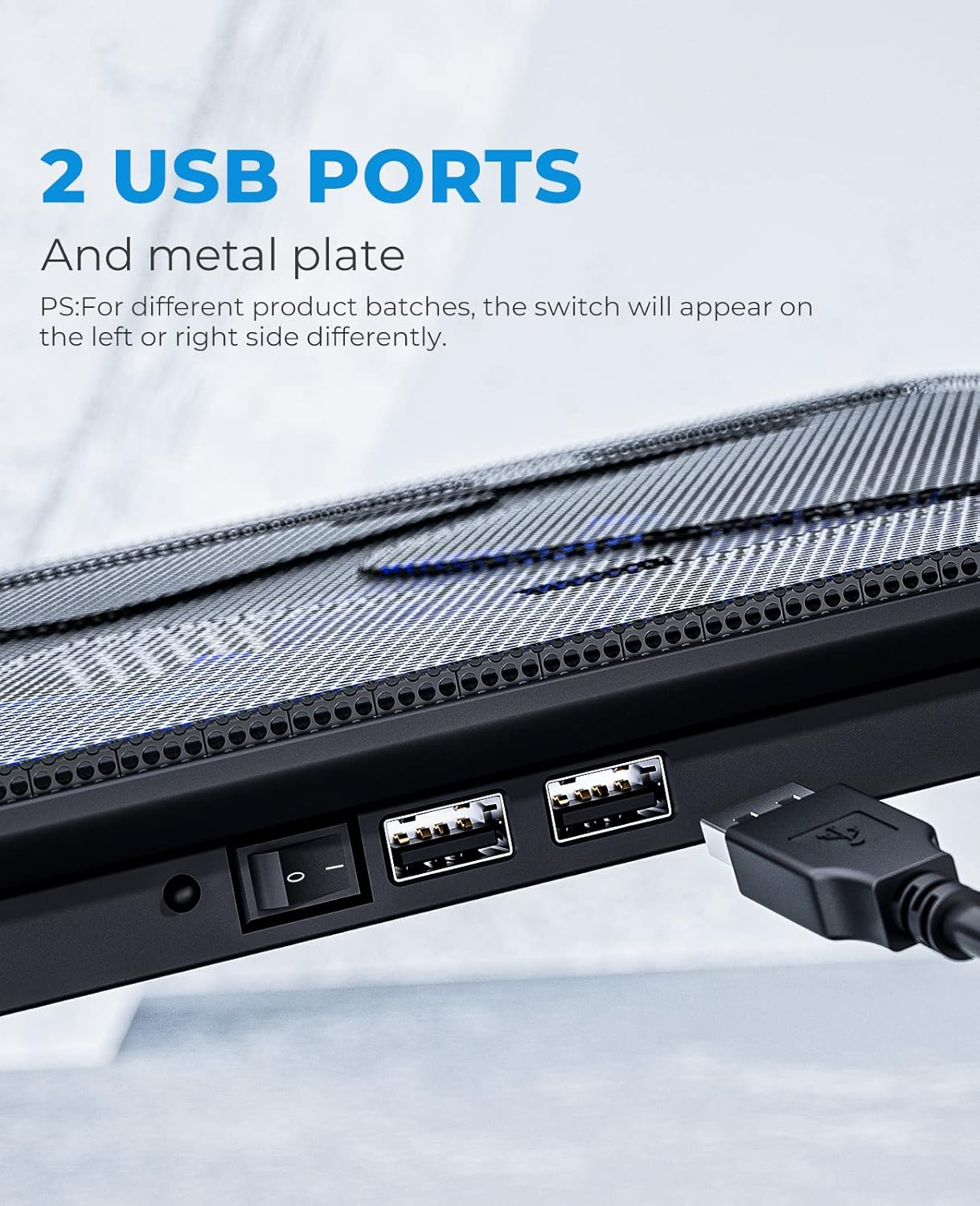
 Two USB Ports & One Power Switch
Provides extra USB ports to allow you plug extend devices like mouse, keyboard, headset stand. Simply turn the laptop cooler pad on/ off by the power switch.


Where can I use this laptop cooling pad?
We suggest you use this laptop cooling fan on a table/ desk, the bottom of the laptop cooler should be lifted off the surface. If you block the bottom of it, it will not blow upward
What type of USB cable can this laptop cooler use?
It uses a USB-A to USB-A cable. All commercially available USB-A to USB-A cables are compatible with this laptop cooling pad.
Do the fans blow air up into the base of the laptop?
Yes, the air from this cooling pad blow upwards. But please be noted that: To actively cool your laptop, you must have its bottom partially or fully unrestricted.
Can I turn the lights off?
No, unless you turn off the whole laptop cooling pad. There is only one power switch to control the laptop cooler but no separate power switch to control the lights and fans.
Can the speed of cooling fans be adjustable?
No, there is only a power switch to turn on/ off the cooling pad, the speed of fans is default setting.
[Ultra-portable]: slim, portable, and light weight allowing you to protect your investment wherever you go
[Ergonomic comfort]: doubles as an ergonomic stand with two adjustable Height settings
[Optimized for laptop carrying]: the high-quality multi-directional metal mesh provides your laptop with a wear-resisting and stable laptop carrying surface.
[Ultra-quiet fans]: three ultra-quiet fans create a noise-free environment for you
[Extra USB ports]: extra USB port and Power switch design. Built-in dual-USB hub allows for connecting more USB devices.Warm tips: The packaged Cable is USB to USB connection. Type C Connection devices need to prepare an Type C to USB adapter.
Customers say
Customers find the cooling pad effective at keeping laptops cool and appreciate its ultra-quiet operation. The product receives positive feedback for its build quality, with one customer noting its sturdy base, and customers consider it well worth the price. The airflow and fan lifespan aspects receive mixed reviews – while some say it moves a ton of air, others find it doesn’t provide enough air flow, and while some report the fans still work, others mention the fans stopped working after two months.


William G. –
Impressive…most impressive.
I’m running a year and a half old Hewlett Packard Envy laptop with a 17” IPS touch screen, 16 GB of memory and a TB SDD. My OS is Windows 11 home, and I’ve made no adjustments in BIOS to fan control.I typically have iTunes, Photoshop and Microsoft Excel open at the same time, along with several tabs from Google Chrome. Though I’d place my laptop on a surface conducive to air flow, this thing would occasionally get very hot, especially when running Windows updates. I’d regularly unplug the system, let it cool, and then blow out the intake vents with compressed air. That didn’t help, and I’m not about to remove the back of the laptop to clean it further. Since I don’t feel like dropping $1,400 on another new computer, and I clearly needed to get the core temperature of my system down, it became obvious that I needed a laptop cooler.This is the first model I have tried, and it works like a charm. It’s a keeper.I’ve been running my system for about five hours straight tonight, doing a good amount of work that keeps my CPU busy, including ripping CDs in iTunes. And the laptop still feels the same as it did before I turned it on: cool to the touch, and the I haven’t heard the laptop’s system fan kick in once.Note: I will be working in Pro Tools within the next week, software that will be more demanding on my system resources. Should the cooler have any issues maintaining core temperature with the higher demands on my CPU, I’ll update my review. But I don’t foresee this happening.This thing is great. It’s lightweight, yet pretty solidly constructed. Though it does have two adjustable legs in the back to place the laptop at a more ergonomic angle, I don’t use them, though I did these them. My computer didn’t slide around at all. The face of the cooler “grips” the bottom, so to speak,, so it stays in place.And it is very quiet. I completely forget that it’s running. It takes the blue light reflecting off of something to remind me that the cooler is there.Another positive is that it’s very comfortable on my lap wearing shorts. There are no edges pressing into my legs, and I’m no longer sweating because of the heat being thrown from my system.The cooler has the on/off switch, led power indicator, and two USB ports on the back. A USB type A connector cord is included, which is just over 21” from the bottom of one dongle to the bottom of the other. I have USB super speed type “A” ports on either side of my laptop, so it’s easy to plug in. No other work is required to set it up. Simply put your laptop or other electronic device on top of it, connect the USB line from the cooler to the hardware, and the fans are up and running, and the colored lights are on.I got a 20% off coupon, so with tax, the unit cost $24.24. I placed my order late at night Thursday, and it was delivered before 6 am Friday morning.A great product, and great service. Even if you pay the full list price, which will come to around $30 with tax, it’s money well spent. It will extend the life of your laptop.
Michelle Kim –
Quiet, Effective, and Truly Worth It — A Cooler That Delivers for Work and Play
This Laptop Cooler has become a staple in my workstation and gaming setup. Slipping my laptop onto it feels like giving it a breath of fresh air. The triple-fan design really does make a noticeable difference in surface temperature, helping prevent overheating during long sessions.What really impresses me is how quiet it operates. Even under load, the fans hum softly without competing with my keyboard and game sounds. The slim, lightweight build makes it easy to carry between rooms (or even to a coffee shop) without adding bulk. It’s USB-powered, so there’s no messy extra cable. Just plug it into your laptop and go.On the few occasions I’ve pushed my machine with rendering, heavy multitasking, or gaming, the cooling pad helps keep performance more consistent. My laptop remains cooler to the touch, which feels safer for internal components over time.If I have a slight nitpick, it’s that on extremely soft surfaces (like a thick blanket or cushion), the airflow isn’t as effective. But that’s a trade-off with all external coolers. For desk use or on firmer surfaces, it works flawlessly.In short: this cooler works just as well for work laptops as it does for gaming rigs. For anyone looking to preserve performance, reduce heat stress, and keep things quiet, I highly recommend this with confidence. Very easy to use, easy to clean, and durable. I’ve used this for several years without any issue.
Eric Ryan –
A well performing, no nonsense cooling pad
I’ve had this cooling pad for around 6 months now. Here are my thoughts,The cooling pad itself seems to be of decent quality. The box includes two rubber pads that you have to stick onto the pad surface to help prevent your laptop from sliding. Unfortunately, the perforated aluminum face causes these pads to slide out of position over time. A better design would have the pads pre-installed.I opted for the blue color. I like the look, but there’s no option to change colors or even turn off the light, which may become distracting while using at night.The fans seem to be of good quality. They spin fast enough to effectively cool my laptop while gaming, but slow enough to be pretty quiet. It would’ve been nice if this pad had the ability to adjust the fan speed, but for what it’s worth, I think it’s been set just right for my use case.On the back of the pad, there is one USB to power the cooling pad and another USB for passthrough. I haven’t yet tried this for data transfer, but I can imagine it’s not ideal. The included cable is, at least in my case, way too long, since my laptop has a port directly above where the cooling pad connector sits. For some people, this may be helpful, but you may want to consider getting a short cable.The pad is easy to use, lightweight and fairly comfortable in my lap during long sessions. The pad also includes two risers at the bottom for adjustment, which may come in handy for some.Overall, when you consider the excellent cooling capability, the lightweight construction, and then the price, it’s honestly a good value. It’s missing some features that you may find on more premium cooling pads, but it still has everything you need to keep your laptop from turning into an oven and that’s good enough for me.
Amazon Customer –
This runs fine I am glad I have it!
M & A –
I purchased this a while ago and wanted to give it some time using it before writing a review. It has now been years and this little gadget is still going strong. It definitely works wonders in keeping my laptop cool. When it sits on the table it feels really hot but as soon as it goes on this cooling pad it cools right down. I highly recommend. It will help keep your laptop going strong for years.
Olivier P. –
Mon dernier modèle de tablette réfrigérante me paraissait efficace. (SK Games 17” achetée sur Amazon)Puis ses ventilateurs sont devenus très (trop) bruyants (4 mois d’utilisation) et j’ai voulu en changer pour ce modèle.Ma mémoire m2 est passée de 51°C à 31° moyenne journalière (de 67°C à 41° en pic de jeu !!!!)20° de rafraîchissement REEL sur les composants internes de mon 17” SLI GTX980m, dont les cartes video atteignent 88°C en jeu intensif !(chiffres statistiques issus de Hard Disk Sentinel 4.71 Pro)En outre —> super silencieux, j’ai d’abord cru qu’il ne marchait pas !!!Un super produit, à valider dans le temps (quand les ventilos feront du bruit 🙂 )Forcément, le PC dépasse un peu, mais comme avec toutes les tablettes dédiées aux 17” (soit 38 cm d’empattement max, largement suffisant)Rien à voir avec mon ancienne tablette qui, dès son installation, outre son poids surprenant, était très bruyante (plus que le PC hors pic).A tester – vu son prix très raisonnable.
Customer1 –
It works just fine. Cools off my new Dell Plus DB 14250…. surprised me to find it can get warm, not even a gamer ..I like not losing a port, the onboard one functions just fine for me, with a non powered hub. Not soft..not loud, but you can hear it running. With a video on, not so much, but there’s a definite small wind hum when it’s quiet and the wind blows out the front end somewhat on my set up…so the on/off is handy, because it gets used a lot. But the USB A out port works great without the switch on.It’s like a wire mesh type deal….not cheap but not heavy, solid enough…your laptop might slide off a bit like my bigger laptop did ..without the rubber stops in..those help a lot .. I hope to get 10 years out of this like my wooden one with no switch did.I like having the back raised up a bit..the set non height adjust is perfect for me. You get flat, or elevated , no in-betweenThe video gives you an idea what you get here .Works for me
Michael –
A little bit noisey but very easy to forget the sound of the whiring fans as you work away..great price and yes would buy this again if needed